
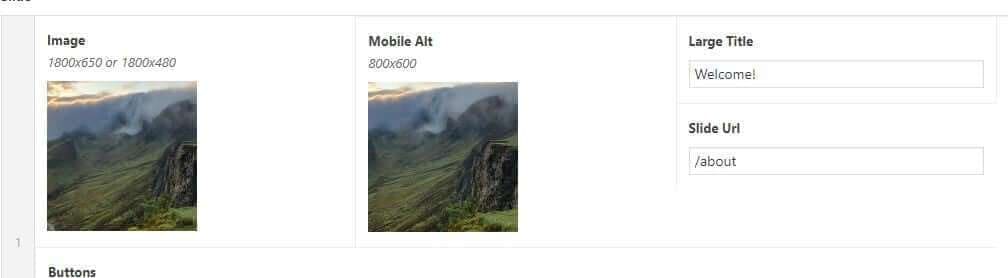
To update the Rotator in WordPress you simply hover over the image you want to change and hit the “x”:
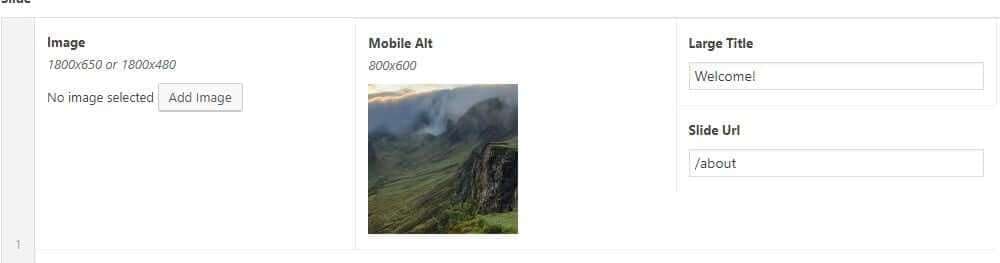
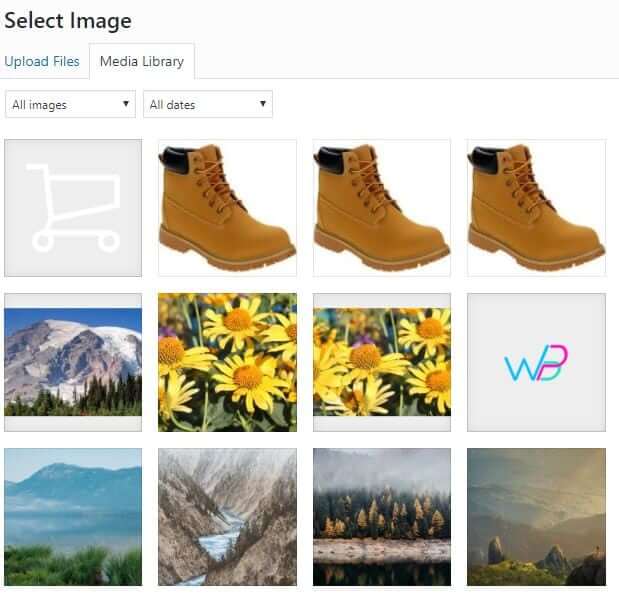
Then, select “Add image” and choose your new image:
Note: images should be 1800 x 650 or 1800 x 480.
To update the Rotator in WordPress you simply hover over the image you want to change and hit the “x”:
Then, select “Add image” and choose your new image:
Note: images should be 1800 x 650 or 1800 x 480.
"*" indicates required fields



